Sound Meter Decibel App
Loudlog measures sound levels, tracks noise over time, and turns a noise log into a dated report you can share. Use it at home, at work, or when you need to document noise from a neighbour, bar, or traffic.
Get it on Google Play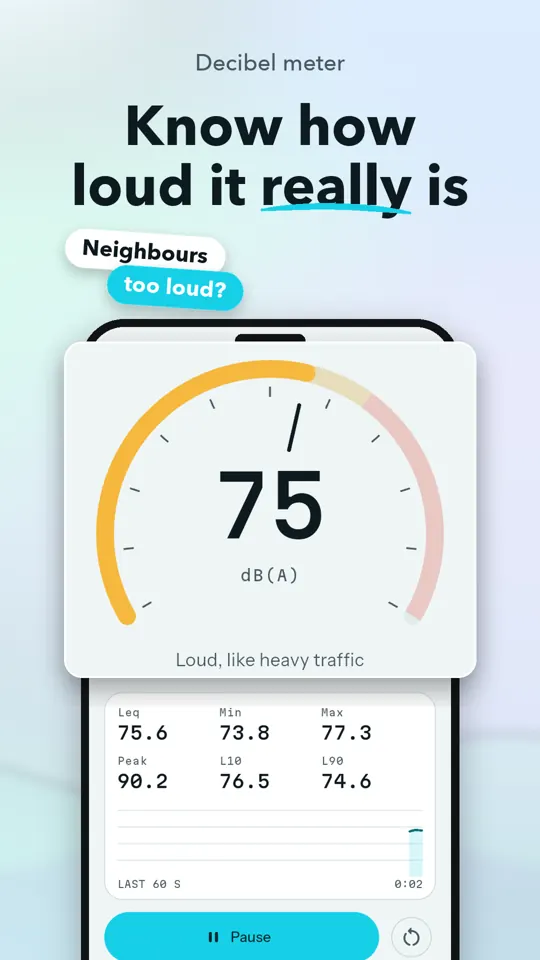
Screenshots
Sound Meter and Noise Log Features
Live Decibel Meter
Check sound levels with A, C, or Z weighting and Fast or Slow response. View Leq, Min, Max, Peak, L10, L90, and a live chart of the last 60 seconds.
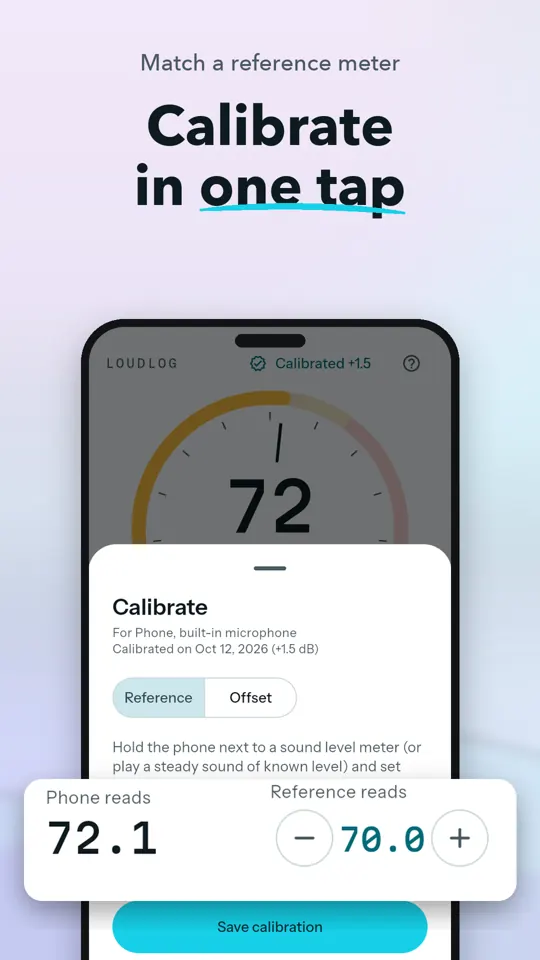
Calibrate Your Microphone
Match a reference sound level meter or enter a fixed offset. Loudlog saves calibration for your phone model and microphone input.
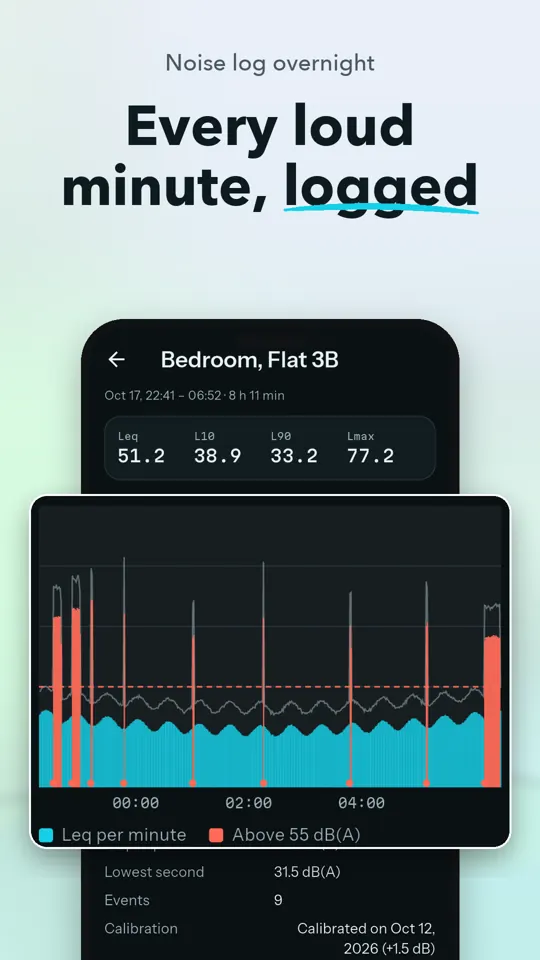
Log Noise Over Time
Start a noise log, turn off the screen, and follow progress with a permanent notification and Stop button. Review a timeline, hourly figures, and marked events.
Export Noise Records
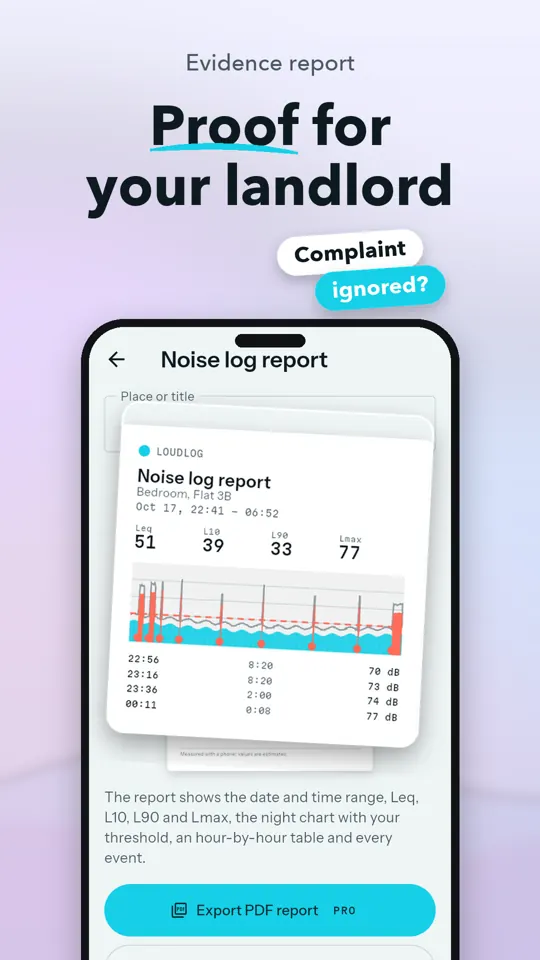
Export log data as a CSV with one row per second. Pro adds a dated PDF report with a night chart, hourly summary, and event table.
Review Loud Moments
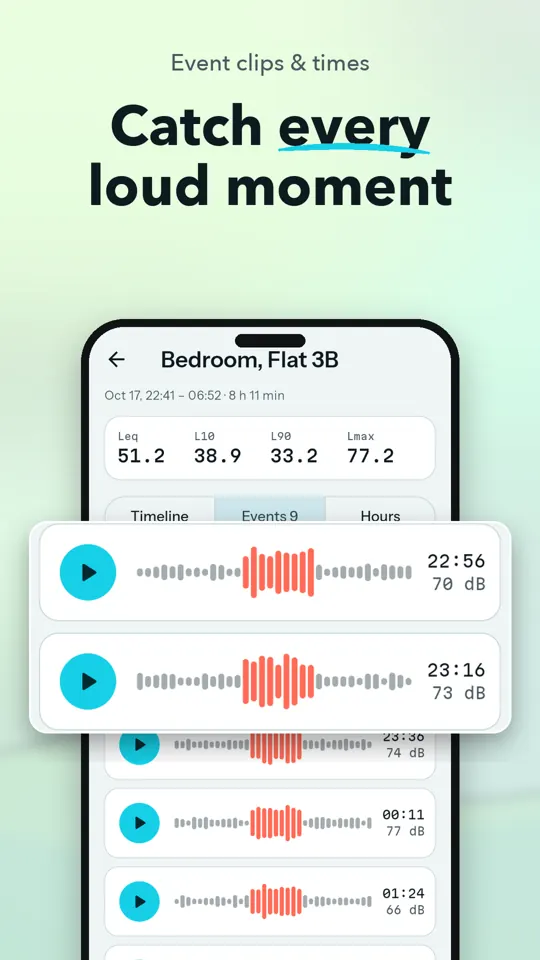
See when sound passed your event threshold in the timeline and Events tab. Pro can optionally save a 10-second sound clip around each event on your phone.
Set Quiet Hours
Pro lets you use a lower noise threshold during quiet hours. Quiet hours are shaded on charts and included in the report.
View Sound Frequencies
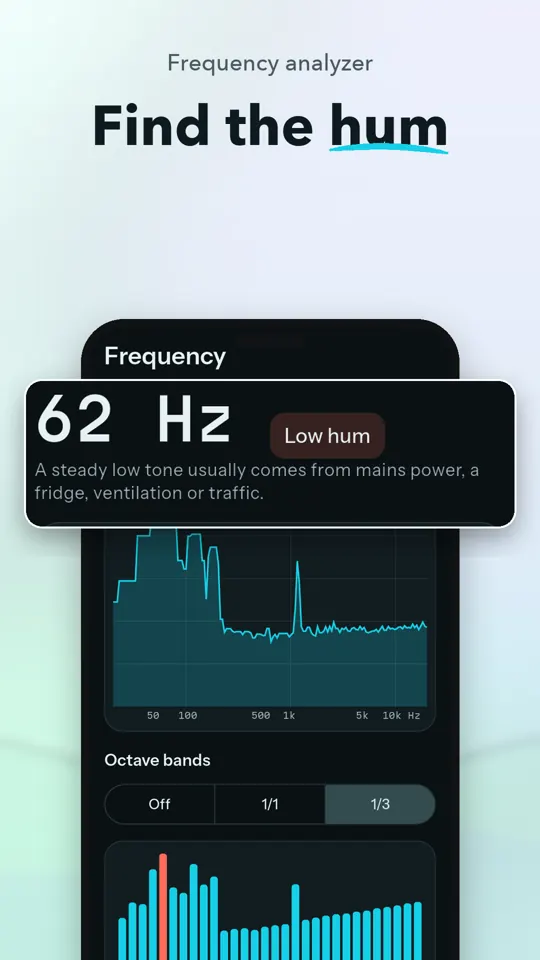
Explore a live spectrum from 20 Hz to 20 kHz and see the strongest frequency, with hints such as low hum. Pro adds 1/1 and 1/3 octave bands.
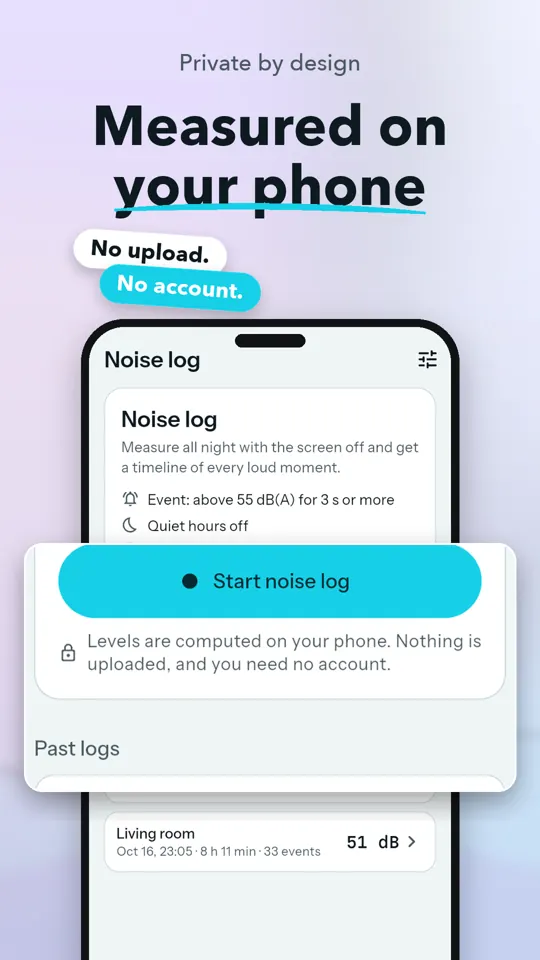
Keep Levels On Your Phone
Sound levels are computed on your phone and are not uploaded. There is no account; audio is kept only for event clips you turn on.
Get Started in Three Steps
Check the live meter
Open Loudlog and view the current sound level and live chart.
Start a noise log
Begin logging and leave your phone where you want to track sound.
Review and share
Open the saved log to review events and export a CSV or available PDF report.
When Loudlog Helps
- Documenting noise from a neighbour
- Tracking traffic noise overnight
- Checking sound levels in a room
- Logging noise at a busy workplace
- Finding a fridge or ventilation hum
- Preparing a dated noise report
Free vs Pro
Free
- Live meter, calibration, and 60-second chart
- Noise logs up to one hour
- Access to the newest three logs
- CSV export for a one-hour log
- One PDF report after watching a short video
Pro
- Logs longer than one hour and access to every past log
- Dated PDF reports
- Optional event clips and quiet hours
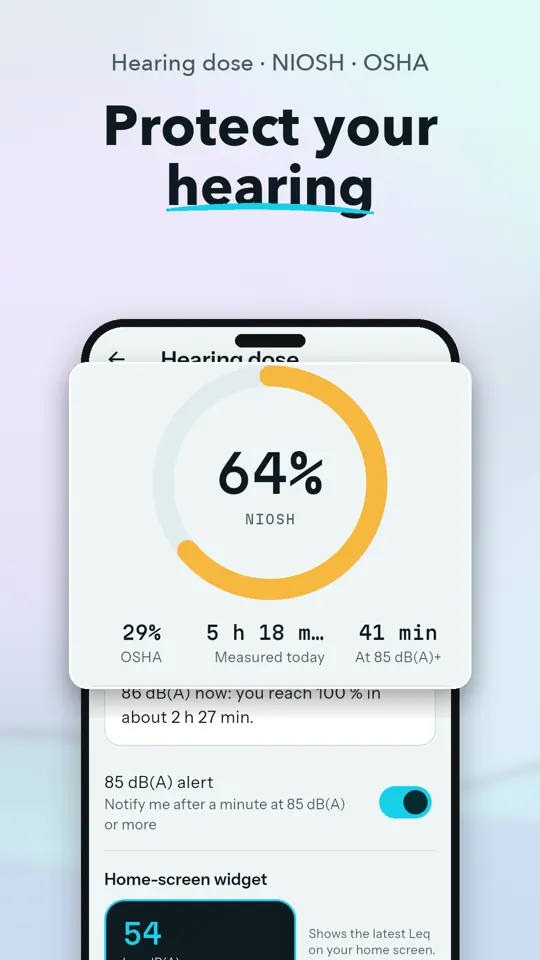
- Hearing dose tracking, 85 dB(A) alert, and home-screen widget
- Octave bands and no ads
Frequently Asked Questions
Does Loudlog work offline?
Sound levels are computed on your phone, and the app does not upload them or require an account. The listing does not specify whether every feature, such as sharing or video-based unlocks, works without an internet connection.
Is Loudlog free?
The live meter, calibration, frequency view, and noise logs up to one hour are included without Pro. You can also export a one-hour CSV and watch a short video to unlock one PDF report; Pro is available by subscription or a one-time lifetime purchase.
Does Loudlog upload my recordings or noise levels?
Sound levels are computed on your phone and are not uploaded, and no account is required. Audio is saved only for event clips you turn on, and those clips stay on your phone.
Which phones can use Loudlog?
Loudlog is an Android app and uses your phone's microphone to measure sound. There is no iPhone version listed; readings are estimates and depend on the phone, microphone, and calibration.
Can Loudlog make a noise complaint report?
You can export a log as a CSV, and Pro can create a dated PDF with device and calibration details, sound summaries, a night chart, and event tables. Share the report through Android's share sheet, email, or a message.
How accurate is Loudlog as a decibel meter?
Phone microphones are not certified sound level meters, so Loudlog readings are estimates. Accuracy depends on your phone, its microphone, and calibration; you can calibrate against a reference meter or enter an offset.
Guides
How to Measure Noise Level With an Android Phone
Learn how to measure noise with an Android phone, improve readings, use built-in options, and log noise over time with a sound meter app.
How to Document Noisy Neighbors Clearly and Consistently
Learn how to document noisy neighbors with a consistent log, useful recordings, and clear reports. Find practical tips for accuracy, privacy, and complaints.